In an age of digital interaction, stylus pens have become increasingly popular, especially for Android devices. Whether you are an artist looking to create stunning illustrations, a student taking notes, or a professional needing precision for tasks, a stylus can significantly enhance your experience. This buying guide will explore the various aspects of stylus pens for Android devices, including types, features, and top recommendations to help you make an informed choice.
Understanding Stylus Pens

A stylus pen is a pen-like tool used for touchscreens that allows for greater precision than fingers. While they have been around for years, their functionality and design have evolved considerably. Stylus pens can enhance productivity, creativity, and user experience on Android devices.
Types of Stylus Pens
Before diving into the buying guide, it’s essential to understand the different types of stylus pens available in the market:
- Passive Stylus: These are non-powered and rely on the touchscreen’s capacitance to register input. They are often inexpensive and suitable for basic tasks like scrolling or tapping.
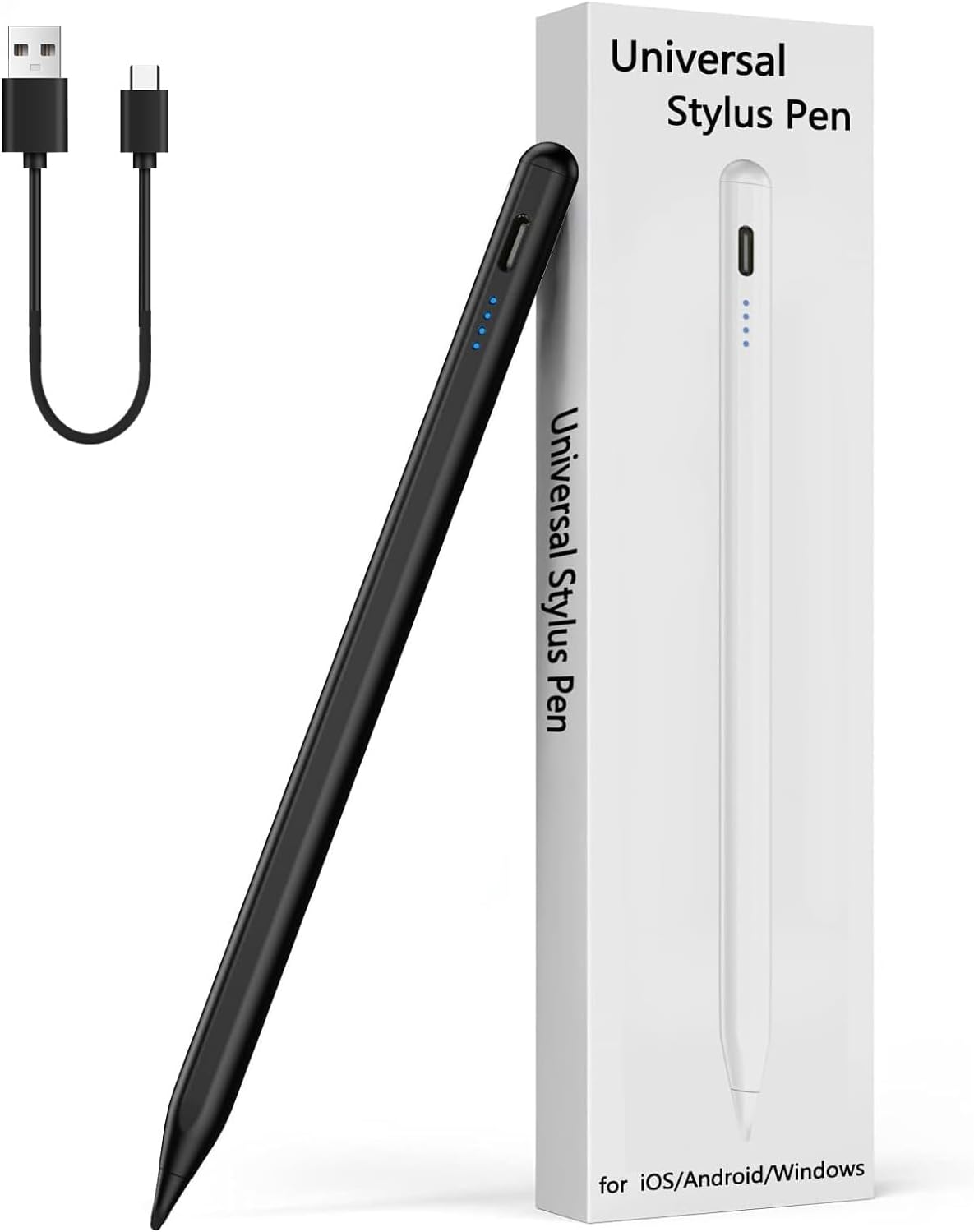
- Active Stylus: These pens come equipped with electronic components that enhance their functionality. They often include features such as pressure sensitivity, tilt recognition, and palm rejection, making them ideal for artists and professionals.
- Bluetooth Stylus: These advanced styluses connect to your device via Bluetooth, enabling additional features like customizable buttons and advanced pressure sensitivity. They often come with specific apps that take advantage of their capabilities.
Key Features to Consider When Buying a Stylus
When shopping for a stylus pen for your Android device, consider the following features to ensure you choose the best option for your needs:
1. Compatibility

Not all stylus pens are compatible with every Android device. Check whether the stylus works with your specific model, especially if you have a device with a specialized touchscreen.
2. Pressure Sensitivity
For artists and designers, pressure sensitivity is crucial. A stylus with higher sensitivity levels allows for more control over line thickness and opacity, providing a more natural drawing experience.
3. Palm Rejection
This feature enables the device to distinguish between the stylus and your palm or fingers. It prevents accidental touch inputs while you are using the stylus, resulting in a smoother experience, especially when drawing or writing.
4. Battery Life
Active and Bluetooth stylus pens require power for their advanced features. Look for styluses with long battery life or quick charging capabilities so they won’t interrupt your workflow.
5. Design and Build Quality
The ergonomics of a stylus can affect your comfort during prolonged use. A well-designed stylus should feel balanced and comfortable in your hand, with a material that provides a good grip.
6. Price
Stylus pens come at various price points, from budget options to high-end devices. Determine your budget and weigh it against the features you need to find the perfect balance.
Top Stylus Pens for Android Devices
To help you navigate the plethora of options available, here are some of the top stylus pens for Android devices:
1. Samsung S Pen
The Samsung S Pen is a standout choice for Galaxy Note users. It features:
- Active stylus with pressure sensitivity
- Bluetooth connectivity for additional functionalities
- Built-in button for shortcuts
According to Samsung, the S Pen has a 4096 levels of pressure sensitivity, making it perfect for both note-taking and professional design work.
2. Adonit Note-M

Adonit Note-M is a versatile stylus that works with various Android devices. Key features include:
- Passive and active modes for different tasks
- USB-C charging with a long battery life
- Support for palm rejection
This stylus is particularly suitable for students and professionals who need a reliable tool for notes and drawings.
3. Wacom Bamboo Fineline 3
Wacom is known for its high-quality drawing tablets, and the Bamboo Fineline 3 stylus lives up to that reputation. Its highlights include:
- 2048 levels of pressure sensitivity
- Bluetooth connectivity
- Compatible with numerous sketching and note-taking apps
If you are an artist or designer, this stylus will provide you with precise control and a natural drawing experience.
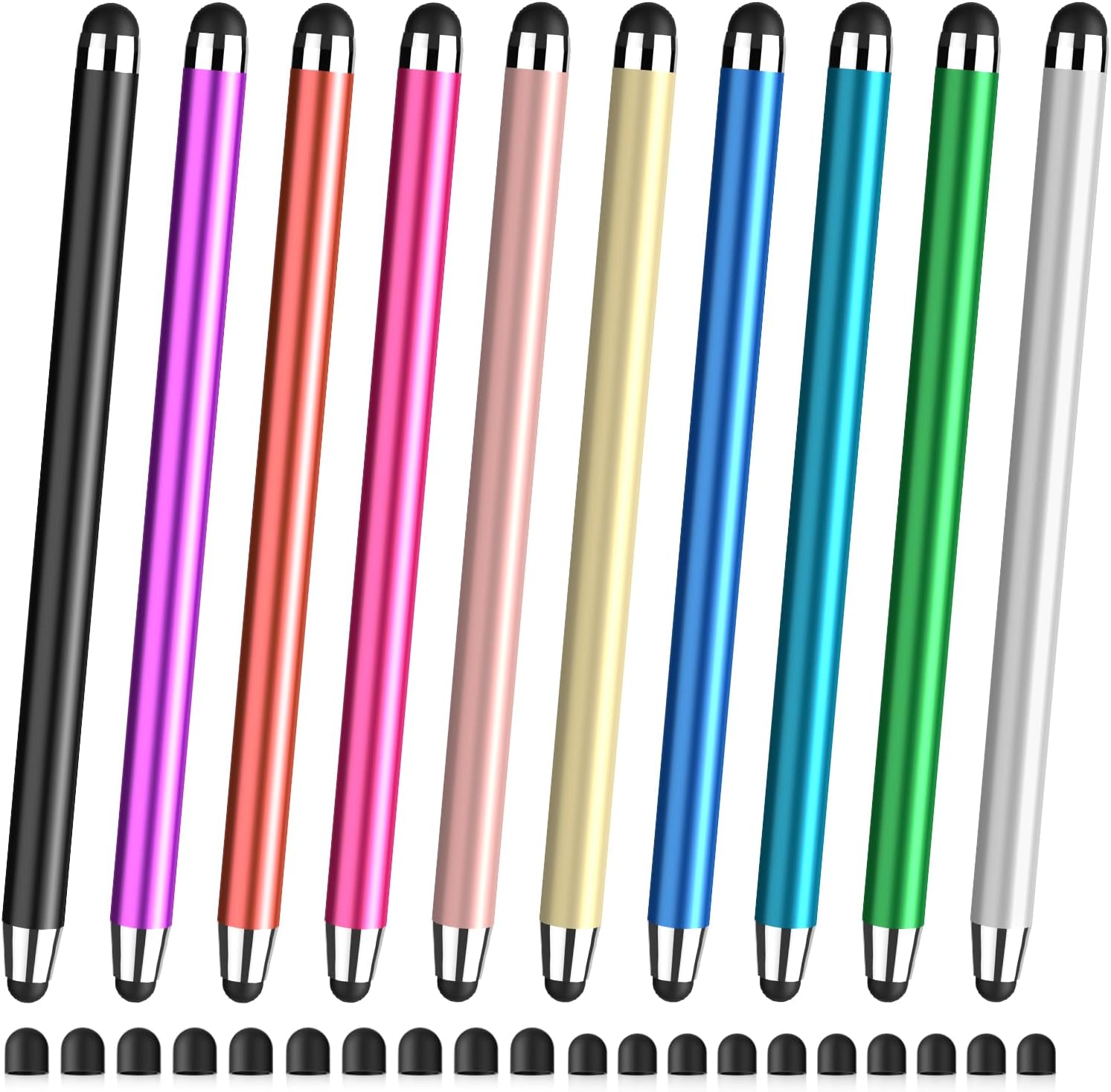
4. Stylus Pen by MEKO
The MEKO stylus pen is a budget-friendly option that doesn’t skimp on quality. Features include:
- Dual tips for versatility (fine point and disc tip)
- Universal compatibility with most touchscreens
- Lightweight and portable design
This is an excellent choice for casual users looking for an affordable yet functional stylus.
Case Studies and User Feedback
To further illustrate the effectiveness of stylus pens, let’s consider some real-world applications:
Case Study 1: Professional Artist
Jane, a professional illustrator, switched to using the Samsung S Pen for her Galaxy Note tablet. She reported that the pressure sensitivity allowed her to create detailed artwork with varying line thickness, which drastically improved her workflow and output quality. The Bluetooth feature enabled her to switch between tools seamlessly, enhancing her creative process.
Case Study 2: College Student

Mark, a college student, opted for the Adonit Note-M stylus for his note-taking needs. He appreciated the palm rejection and dual modes, which allowed him to take notes quickly during lectures without worrying about accidental touches. Mark noted that his retention of information improved since he could create diagrams and highlight text effectively.
Statistics on Stylus Usage
According to a recent survey conducted by Statista, 35% of tablet users reported using a stylus for drawing, note-taking, and navigation. Another study indicated that users who utilized stylus pens felt more productive and engaged with their devices, leading to increased satisfaction with their digital experience. These statistics highlight the growing importance of stylus pens in enhancing user interaction with tablets and smartphones.
Choosing the right stylus pen for your Android device can significantly enhance your experience, whether you are creating art, taking notes, or navigating apps. By understanding the types of styluses, their key features, and considering top recommendations, you can make an informed decision that best suits your needs. Remember to evaluate your specific requirements, such as compatibility, pressure sensitivity, and budget, to find the perfect stylus that aligns with your lifestyle. With the right stylus in hand, you’ll unlock new levels of creativity and productivity on your Android device.